WordPress Admin Guide
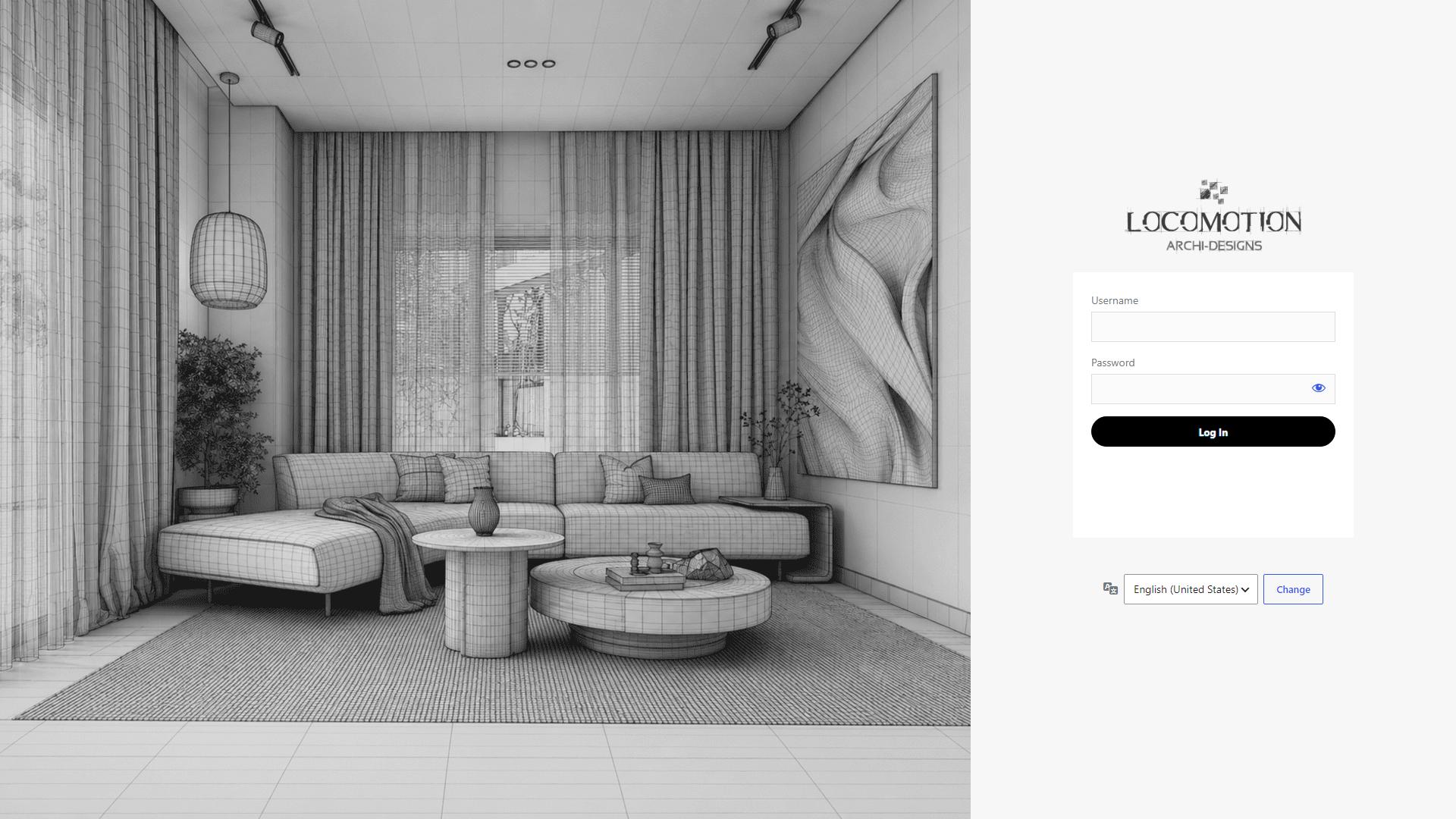
How to Log In
- Navigate to the login page:
https://site.locomotiondesign.com/wp-admin - Enter your provided username and password.
- If you forget your password, click "Lost your password?" and enter your email.
WordPress Dashboard Overview
The dashboard is your central control panel:
- Pages: Manage static content (Home, Administrative, Commercial, etc.). You will edit these using Elementor.
- Portfolio / Projects: Manage your design projects. This uses the Nordic theme's built-in portfolio features.
- Media: Upload images, PDFs (like your Flipbook), and videos. Real Media Library Lite helps you organize them into folders.
- WooCommerce: Manage products, orders, and store settings if applicable.
- Contact: View and edit your Contact Form 7 configurations.
Basic Editing Instructions
- Hover over any page in the Pages list.
- Click Edit with Elementor to open the visual drag-and-drop builder.
- For global settings like the logo, header, or footer, use Nordic Options.
Security First
- Your site is protected by Wordfence. You may occasionally be asked to verify your identity if you log in from a new location.
- Keep your credentials highly secure and do not share administrator accounts.